
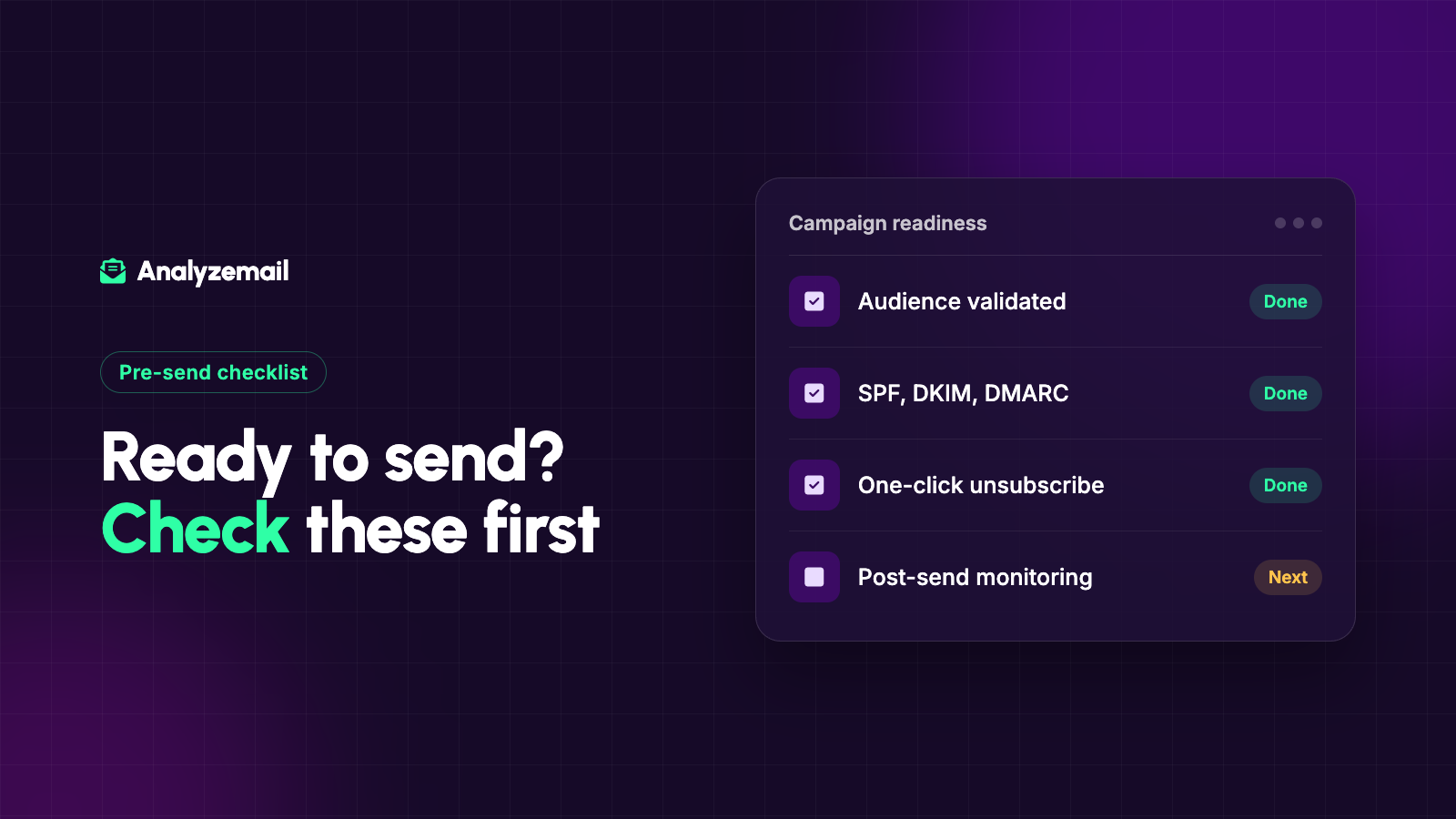
Your email list can be technically sound and your campaign can still run into delivery problems. The sender configuration, audience expectations, message, and sending pattern all contribute to the outcome.
That is why a useful email deliverability checklist has several owners. Marketing can confirm the audience and content. A technical owner can verify the sending setup. Operations can make sure preferences and suppressions survive every handoff.
The purpose is not to declare a campaign guaranteed to reach the inbox. It is to resolve avoidable problems before the send and make sure someone is watching what happens afterward.
Use the checklist below as a campaign review document, especially after an import, platform change, or long pause in sending.
Delivery and inbox placement are different outcomes
An accepted message is not necessarily a message placed in the primary inbox, noticed by the recipient, or acted on.
Keep that distinction in your reporting. A high accepted-delivery rate can coexist with weak business results. An open rate can also be an imperfect measure of what a human actually read.
Choose a business outcome that fits the campaign: qualified replies, completed registrations, repeat purchases, or another meaningful action. Track it alongside delivery evidence.
This keeps the team from declaring success solely because messages left the sending platform without an immediate failure.
1. Confirm the purpose and recipient expectations
Write a one-sentence explanation of who should receive the campaign and why. If you cannot state it clearly, the audience may be too broad.
Check how each segment joined, what it expected to receive, and whether the current message fits. An event reminder, product newsletter, and account notice should not automatically use the same recipient selection.
Review current subscription and suppression data. Do not rely on a months-old export as the final authority.
Evidence to retain: audience definition, source fields, exclusion rules, and the date preferences were checked.
2. Check address quality before the final export
Review obvious file defects and use validation when the address data needs a current assessment.
AnalyzeMail supports this part of the workflow by checking address and domain signals. It does not replace the rest of the readiness review.
Keep uncertain records separate and decide how to handle them before the campaign deadline. Avoid making exceptions simply because removing contacts makes the audience smaller.
For the detailed procedure, follow the email list cleaning guide.
Evidence to retain: validation date, original results, and the decision applied to each relevant group.
3. Verify the sending configuration
Assign a technical owner to confirm the setup for the actual platform and domain that will send the campaign. A previous successful campaign from a different system does not establish that the new one is configured correctly.
For personal Gmail recipients, Google's current sender guidelines require SPF or DKIM for all senders and SPF, DKIM, and DMARC for bulk senders. Bulk marketing and subscribed messages must also support one-click unsubscribe. Review the full requirements for your sending volume and setup.
Keep the review concise but specific. Record which sending stream was checked and whether any unresolved issue remains.
Evidence to retain: the technical owner's confirmation and the date of the review.
4. Test the unsubscribe experience
Use a controlled test contact to follow the unsubscribe path from the message. Confirm that the expected preference changes in the destination system and that downstream automations respect it.
Test both the visible link and any platform-supported one-click mechanism relevant to your sending requirements. A working footer link should not be assumed to cover every technical requirement.
Make sure the confirmation language matches the action. If a person opts out of all promotional messages, the system should not merely remove them from one temporary campaign list.
Evidence to retain: the tested path, resulting status, and any synchronization delay your team needs to account for.
5. Review the sender identity and message promise
Read the From name, subject, preview text, and opening paragraph together. They should describe the same sender and purpose.
Check that personalization fields have sensible fallbacks. A missing first name should not produce an awkward greeting or expose a template token.
Review links on the rendered message, including buttons, images, and footer links. Confirm that each destination matches the promise of the text and loads appropriately for the intended audience.
These checks improve message quality and reduce confusion. They should not be presented as a magic formula for passing every spam filter.
Evidence to retain: the approved message version and tested destinations.
6. Identify what changed since the last comparable send
Create a short change log. Include new audience sources, a new sending domain, platform migration, major content changes, and a substantially different volume or schedule.
A checklist is more effective when it focuses attention on changes rather than asking people to approve the same generic statements every week.
If several major changes are happening together, decide whether they can be separated so their effects are easier to observe. Record what will remain difficult to attribute if they cannot be separated.
Evidence to retain: the change log and the person responsible for each change.
7. Choose a sending plan and response owner
Decide when the campaign will run and who will be available to review it. Do not schedule a complex audience restart for a time when no one can act on problems.
Define the conditions that trigger investigation or a pause. Use your sending provider's requirements and your own established baseline rather than a generic threshold copied from an unrelated business.
Specify who can stop follow-ups or automations. A dashboard is not a response plan if nobody has the authority to change the send.
Evidence to retain: schedule, monitoring owner, escalation contact, and pause criteria.
8. Reconcile the final audience
Compare the prepared audience with the live system immediately before the campaign is finalized. Confirm that recent unsubscribes, suppressions, and corrected records are reflected.
Spot-check several cases: an eligible contact, an excluded contact, a review case, and a record changed during preparation.
Keep counts for the starting population, final recipients, exclusions, and unresolved records. Explain category overlap so totals remain understandable.
Evidence to retain: final audience count and the timestamp of the reconciliation.
9. Review results at useful checkpoints
An immediate review can catch obvious failure patterns. A later review can assess outcomes that need more time, such as replies, purchases, or registrations.
Group failures by domain and source rather than looking only at one campaign-wide rate. If a problem appears, preserve the original error details before making broad changes.
For diagnosis, use the bounce-rate troubleshooting guide. If the audience was dormant, compare the results with the decisions in your old-list review.
Evidence to retain: observations, decisions, and the specific change planned for the next campaign.
A compact ownership checklist
| Review area | Suggested owner | Ready when |
|---|---|---|
| Audience purpose | Campaign owner | Inclusion and exclusion rules are clear |
| Address findings | Marketing operations | Failures and uncertain cases have actions |
| Sending setup | Technical owner | Current stream has been reviewed |
| Preferences | Operations owner | Tested changes reach all relevant systems |
| Message quality | Content owner | Identity, links, and fields are checked |
| Monitoring | Send owner | Someone can investigate and pause |
One person may cover several roles in a small business. The value comes from explicit responsibility, not from adding more meetings.
Make readiness repeatable
Save the completed checklist with the campaign so the next review starts with evidence about what worked and what changed.
For the address-quality portion, check your list with AnalyzeMail. Then complete the remaining checks with the people responsible for the audience, sending system, and message.