
Your email platform says you have 18,000 contacts. That does not mean you have 18,000 people you should email tomorrow.
Some addresses appear twice. Some belong to people who changed jobs. Others are valid mailboxes attached to contacts who unsubscribed months ago. And a few may be perfectly good customers whose addresses look unusual enough to get caught by an overly aggressive cleanup rule.
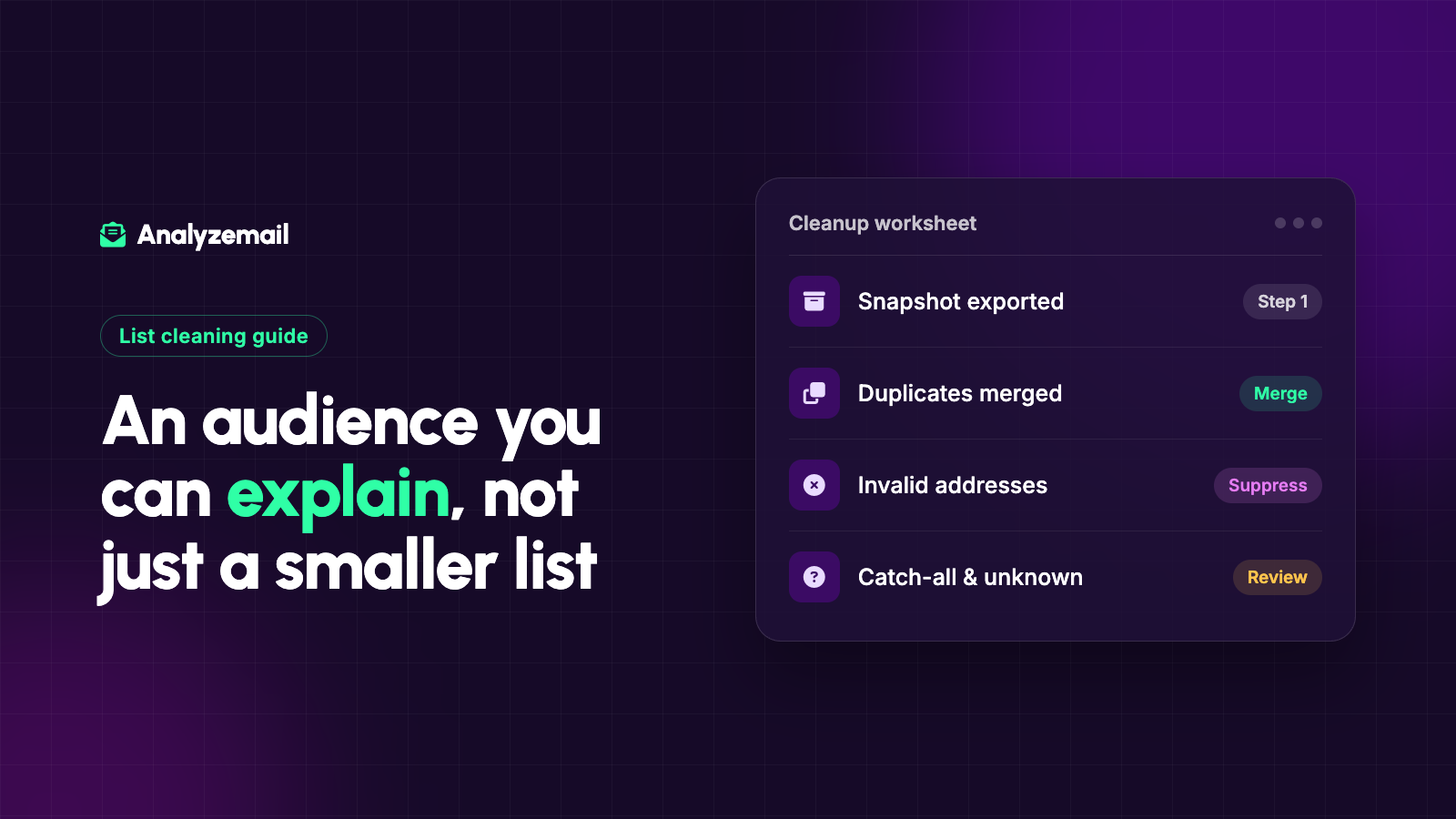
Email list cleaning is the process of reviewing address quality, subscription status, and contact history to decide which records belong in an upcoming send. Done well, it produces an audience you can explain—not simply a smaller spreadsheet.
This guide walks through a repeatable process you can use before a campaign, after a database import, or when an older audience needs attention.
Start with three separate questions
List quality is easier to manage when you stop treating every contact as either good or bad.
Ask three questions about each record:
- Can the address plausibly receive email? This is the technical question that email validation helps answer.
- Should this contact receive this type of message? Subscription preferences, suppression records, and your relationship with the person answer this question.
- Is the contact relevant to this campaign now? Recent activity, customer status, and the campaign's purpose help you decide.
A working mailbox can still belong on your suppression list. A shared inbox can still be the right destination for a supplier update. A contact with no recent opens can still be an active customer.
Keeping those distinctions visible prevents a cleanup project from becoming a blunt deletion exercise.
Step 1: Preserve a complete snapshot
Export a backup before changing anything. Keep the email address, contact ID, subscription status, source, relevant dates, and useful customer or engagement history in that master file.
Your validation upload may need only email addresses. Your master record needs more context because you will use it to apply the results later.
Create a simple project note with the export date, audience name, record count, and person responsible for the cleanup. If multiple people are editing the same audience, agree on when the export was taken and how subsequent changes will be reconciled.
That last detail matters. Someone can unsubscribe between your export and your re-import. The older file must not overwrite the newer preference.
Step 2: Apply existing suppressions first
Remove unsubscribed and otherwise suppressed contacts from the proposed campaign audience before paying to assess its address quality. Keep the suppression records in the system responsible for enforcing them.
Do the same for contacts already marked as permanently undeliverable, unless there is a documented correction that warrants review. Repeatedly importing an old spreadsheet should not bring those addresses back into circulation.
Think of a suppression as an instruction attached to a contact, not as an inconvenience to clear. A later validation result should never automatically reverse it.
This step often exposes the real problem: the organization has several copies of its list, but no agreed source of truth for who can receive marketing.
Step 3: Fix the file without guessing at people's addresses
Check that the export has one address per record. Remove leading or trailing whitespace, identify empty cells, and separate accidental combinations such as two addresses pasted into one field.
Deduplicate exact repeated addresses using a documented matching rule. Preserve the original values in your master file so you can investigate unexpected merges.
Avoid silently rewriting an address because it resembles a common provider. A suspected typo should be confirmed through a trusted record or by the contact. Guessing can turn an undeliverable address into a working address owned by someone else.
Also avoid applying provider-specific rules everywhere. Removing dots or stripping everything after a plus sign can change the meaning of addresses at some domains.
Step 4: Run email validation
Once the candidate audience is prepared, check its technical quality.
A useful validation process considers more than whether the address contains an @ symbol. Domain configuration, mailbox responses, duplicate records, and address categories can all affect what you do next.
AnalyzeMail's checks provide findings for individual addresses, including syntax, DNS and mail-server signals, catch-all behavior, and categories such as disposable or role-based addresses. Use those findings to make decisions rather than reducing the results to a single unexplained score.
If you are unfamiliar with what happens during validation, read our guide to checking an email address without sending a message.
Step 5: Translate findings into actions
Build a small decision table before anyone starts deleting records.
| Finding or condition | Practical next action |
|---|---|
| Confirmed unusable address | Exclude from the send; preserve the reason |
| Catch-all or inconclusive result | Hold for review rather than calling it confirmed |
| Role-based address | Review the relationship and purpose of the message |
| Free webmail address | Keep if appropriate; the category alone is not a defect |
| Disposable address | Review according to the subscription or customer context |
| Previously unsubscribed | Keep suppressed regardless of technical result |
| Valid but stale contact | Evaluate relevance and recent relationship separately |
These are workflow recommendations, not a promise that every validator uses the same labels. Map your provider's actual results to your own actions.
The most useful output is often three groups: eligible for the planned send, excluded, and awaiting review. A review group keeps uncertainty from disappearing inside a misleading “clean” total.
Step 6: Review inactivity with context
Do not use a single open-rate filter to decide that a contact is worthless. Mailchimp's guidance on bot activity explains how automated activity can affect engagement reporting.
Look at several signals together: purchases, replies, account activity, registrations, useful clicks, and the date the person joined. A seasonal customer may behave differently from a weekly newsletter reader.
Choose an inactivity window that fits the relationship. A daily newsletter and an annual membership renewal should not share the same retirement rule.
For an older audience, the stale email list cleanup guide explains how to separate current relationships from records whose context has been lost.
Step 7: Reconcile the results with the live system
Before importing or syncing anything, compare the results against current subscription and suppression data. Carry forward the original contact IDs where your tools support them.
Test the update on a small set of records representing different cases: an eligible contact, an unsubscribed contact, a duplicate, an uncertain result, and a corrected address. Confirm the expected outcome in each case.
Do not assume “sync clean list” means “delete every other contact,” or that an import will preserve every preference automatically. Review the destination platform's behavior and the settings available in your account.
Keep the full validation output alongside the decisions you made. You should be able to explain why a contact was excluded without repeating the entire project.
Step 8: Check whether the cleanup helped
For the next comparable campaign, review address-related bounces, complaints, meaningful engagement, and the business outcome you care about.
Use consistent denominators. If you remove many contacts, a percentage can improve even when the number of people responding stays flat. Report both counts and rates.
Also investigate where poor records came from. If one signup form, event import, or manual-entry process accounts for most of the problems, fix that source. Otherwise the list will steadily accumulate the same defects again.
How often should you clean an email list?
Use events and evidence to set the schedule. Review lists after imports, before restarting a dormant audience, when address-related failures rise, and before a high-stakes campaign using older records.
A recurring review can help, but there is no single interval that fits every business. Start with a manageable cadence and shorten it when your own data shows rapid change.
Make your next campaign easier to trust
A clean list is an audience with current address findings, preserved preferences, and clear reasons for inclusion. The benefit is not just fewer questionable rows. It is a repeatable process your team can use again.
Create an AnalyzeMail account to check your next list, then use the results alongside your subscription records to prepare the send.