
Most email verification services promise some version of a cleaner list. That makes a feature grid a difficult place to start.
What matters is whether the service gives your team useful evidence, handles uncertainty honestly, fits your workflow, and charges in a way you can predict.
A tool that produces an impressive-looking score but leaves you guessing what to do next may create more work than it saves. A tool that integrates with your platform can still be a poor fit if the integration does not support the direction or update behavior you need.
Use the framework below to compare services against the work you actually need to complete.
Start with your use case
Write down the event that creates the need for verification.
Are you checking a one-time export before a campaign? Reviewing recurring imports? Assessing addresses during registration? Cleaning records before a CRM migration?
Each use case changes the evaluation. A monthly batch process needs understandable files and results. An application integration needs documented authentication, failure handling, and behavior under load. A migration needs careful matching and preservation of existing preferences.
Also record the typical list size, frequency, deadline, and people involved. Those details prevent you from paying for a workflow your team will not use.
Evaluate the evidence behind the result
Ask what the service checks and how the findings appear in the output.
A useful report should help you distinguish an obvious address defect from an uncertain mailbox result or a descriptive category. If everything becomes one broad risk score, ask how the score maps to decisions.
For a sample record, request a plain-language explanation of why it was flagged. Your team should be able to translate the finding into an action without inventing a technical interpretation.
The verification-without-sending guide explains the main layers of evidence and the limits of what they can prove.
Ask how the service handles catch-all and unknown results
Uncertainty is unavoidable in some checks. The important question is whether the service preserves it clearly.
Ask whether catch-all addresses are labeled separately, what an unknown result means, and whether a retry could produce useful new evidence. Find out whether any confidence estimate is distinct from direct technical confirmation.
Do not judge a service solely by how many records it labels deliverable. A larger positive group may reflect a different definition rather than better information.
Likewise, a service that marks more records uncertain is not automatically worse. Compare the explanations, the available evidence, and the consequences of each decision for your business.
Review category handling
Role-based, disposable, and free-provider findings should be understandable and usable for your audience.
Ask whether you can select relevant checks and whether results retain the individual findings. A consumer brand should not be forced into a workflow that treats personal webmail as inherently undesirable.
A business with shared customer or supplier inboxes may need a review rule for role addresses rather than an automatic exclusion.
Before comparing vendors, document your own category policy. Our guide to address types can help you separate technical findings from lead-qualification preferences.
Check the complete workflow, not just the integration logo
“Integrates with your CRM” can describe very different capabilities. It may mean importing, exporting, updating existing records, creating new records, or some combination.
Map the exact steps you need:
- Where does the candidate list originate?
- What information must remain in the source system?
- How are addresses matched back to existing records?
- What happens to failed and uncertain results?
- How are current unsubscribes and suppressions preserved?
- Who verifies the final audience?
Then compare that map with the documented integration. Avoid assuming that two-way synchronization, custom-field mapping, or automatic suppression exists because a platform logo appears on the website.
Test with a representative sample
Choose a sample you are authorized to process that reflects your real audience. Include common providers, business domains, known corrected records, shared inboxes, and uncertain cases where relevant.
Preserve the original addresses and record the time of each check. If comparing services, run the checks close enough together that elapsed time is less likely to explain differences.
Evaluate the clarity of the outputs and the work required to apply them. Do not send unwanted messages just to manufacture a benchmark.
Where you have recent legitimate delivery or relationship evidence, use it carefully as a comparison point. State its limits: past delivery is useful evidence, but it is not a permanent guarantee about an address.
Use a weighted scorecard
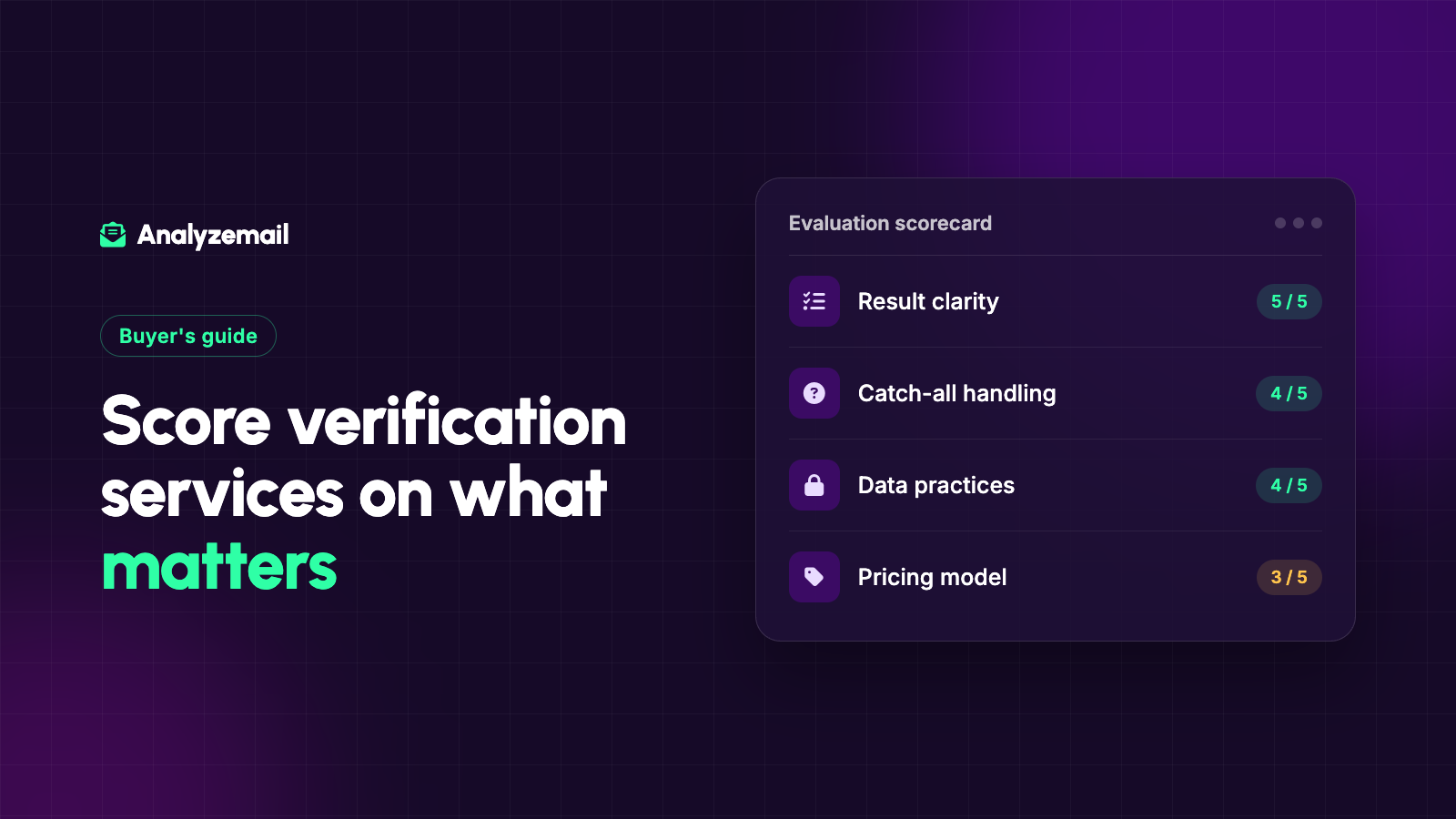
The following is an illustrative scoring framework. Adjust the weights before evaluating services so your priorities do not shift to favor whichever demo looked best.
| Criterion | Example weight | What a strong result looks like |
|---|---|---|
| Result clarity | 25% | Findings translate into documented actions |
| Uncertainty handling | 20% | Catch-all and inconclusive outcomes remain distinct |
| Workflow fit | 20% | Import, export, and reconciliation match your process |
| Data practices | 15% | Terms and retention fit your requirements |
| Pricing clarity | 10% | You can estimate recurring and exceptional costs |
| Support and operations | 10% | Your team can resolve failures and questions |
Score each category from one to five using the same evidence standard. The weighted total helps organize the comparison, but it should not override a requirement that is truly mandatory.
For example, a service that cannot support an essential workflow does not become suitable because its price score is excellent.
Review data practices in concrete terms
Read the provider's privacy policy and relevant terms. Determine what data you need to upload, how long it may be retained, how deletion works, and which access controls your team requires.
Ask specific questions when the documentation does not answer them. Do not infer a certification, contractual commitment, or regulatory guarantee from general language about security.
Minimize the upload to the information needed for the check. Keep your richer customer history in the systems used to reconcile the results.
For regulated or contract-sensitive use cases, involve the person responsible for your organization's data requirements before committing to the workflow.
Calculate the cost of operating the process
The quoted price per address is only one part of the cost.
Include expected rechecks, manual review, file preparation, integration work, and time spent resolving failures. Ask how credits are charged for duplicates, inconclusive results, and interrupted jobs rather than assuming every provider behaves the same way.
Compare one-time and recurring options against actual usage. A low unit price is less attractive if you must buy substantially more capacity than you can use under the plan's terms.
Use the email verification cost guide to structure the calculation.
Where AnalyzeMail fits
AnalyzeMail's published features include selectable checks and per-address findings. Its integration page documents Mailchimp and Constant Contact imports and return exports, plus clean-list exports to Salesforce.
Those capabilities make it worth evaluating for businesses that need a list-based review workflow. Confirm the exact behavior you need with a representative list before making broad updates.
If you need a software integration, review the API documentation separately. Do not assume a browser workflow and an API workflow expose identical controls or operational behavior.
Choose the service your team can use consistently
The best fit is the service that produces useful decisions within your actual operating process. Make the evidence, exceptions, ownership, and costs visible before you commit.
Create an AnalyzeMail account to evaluate that fit using your own candidate audience and the scorecard above.