
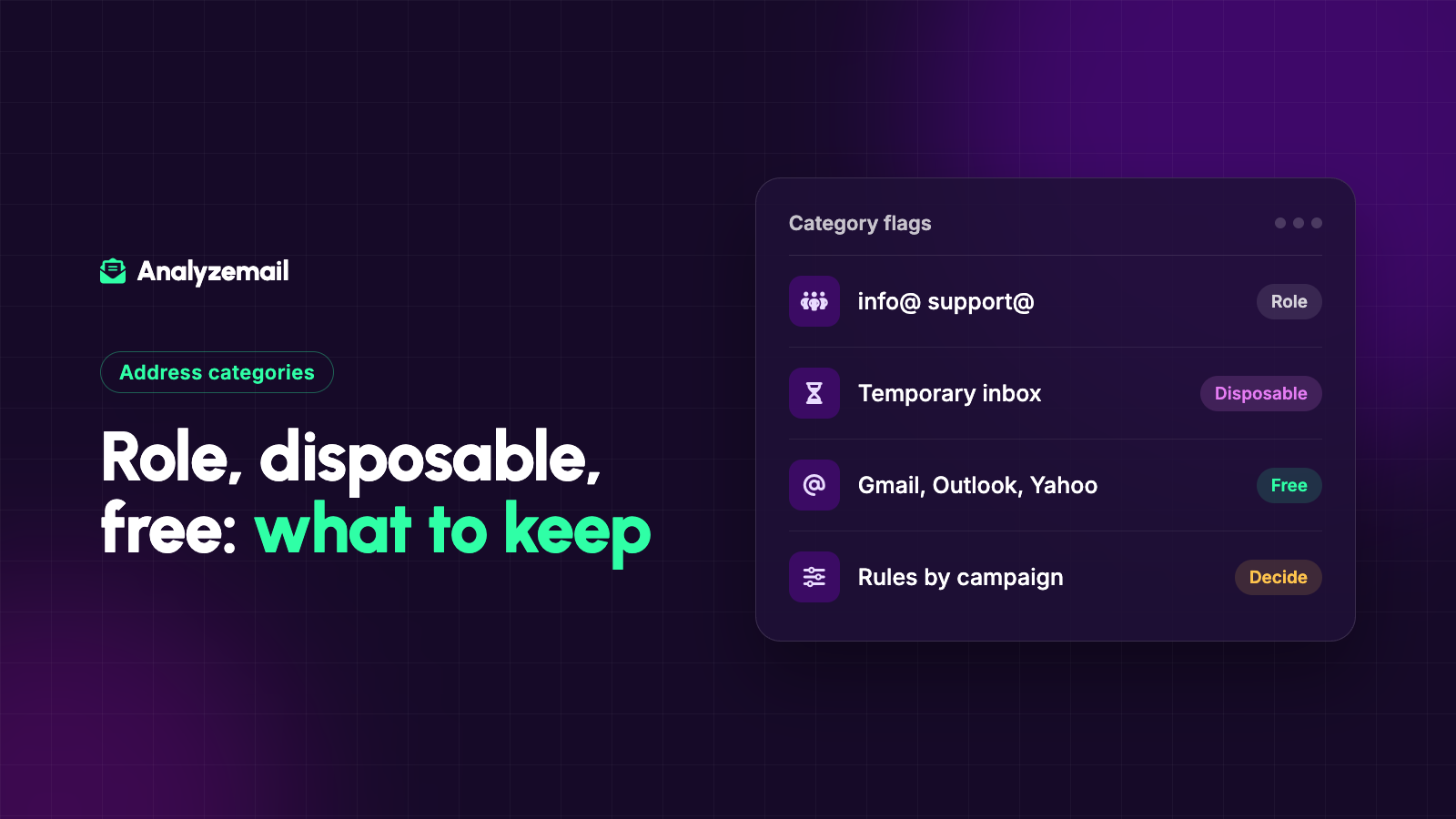
An email validation report flags an address as role-based. Another is labeled disposable. Hundreds use free webmail providers.
It is tempting to treat every flag as a reason for removal. That would make the cleanup simple, but it could also eliminate a large share of the people you actually want to reach.
These categories describe different characteristics. A role address identifies a function rather than a named person. A disposable address belongs to a temporary email service. A free-provider address uses a service people can obtain without their own domain.
None of those descriptions should replace a thoughtful review of the contact and the purpose of the message. Here is how to build rules that preserve useful relationships while addressing real concerns.
Compare the categories first
| Category | What it describes | What it does not establish |
|---|---|---|
| Role-based | A mailbox named for a function or team | That the mailbox is invalid or unwanted |
| Disposable | A domain associated with temporary email use | The complete identity or intent of the user |
| Free provider | A mailbox at a free webmail service | That the contact has no business value |
| Catch-all | Broad recipient acceptance by a domain | That the individual mailbox exists |
An address can fit more than one category. The categories also answer different questions, so their counts should not automatically be added together as unique rejected contacts.
AnalyzeMail's feature overview describes its address-category checks. Use the findings as inputs to your own eligibility rules.
Role-based addresses can be the correct destination
Common examples include sales@, support@, info@, and billing@ at an organization's domain. They describe a function, which may be handled by one person or several.
That can be useful. A supplier may be instructed to send account information to a billing inbox precisely because responsibilities rotate. A community organization may maintain a general contact mailbox so messages do not depend on one volunteer's personal account.
For these relationships, the relevant question is whether the organization chose that address for the communication. The lack of a personal name does not make it a defective record.
Retain the role address when it is appropriate and supported by the relationship, while respecting the preferences associated with it.
Role-based addresses also need ownership context
A shared mailbox can make expectations less obvious. The person who subscribed may no longer manage the inbox, or multiple people may see a message without knowing why it arrived.
Record who supplied the address, what communication it was intended to receive, and which organization it represents. For important ongoing relationships, periodically confirm that it remains the right destination.
Avoid personalizing a shared inbox as though it belongs exclusively to a named individual unless your records support that treatment. “Hi Jordan” can look careless when the message arrives in a department mailbox managed by several people.
The solution is often better context and segmentation, not automatic removal.
Disposable addresses deserve a use-case review
Temporary email services can be used for short-lived interactions. That creates a practical question when your business depends on an ongoing relationship: will this address remain useful for the communication the user requested?
For a recurring newsletter, a temporary address may be a weak long-term record. For an application account, you may need a more durable contact method for account recovery. For a one-time resource request, the business decision may be different.
Do not assume every person using a disposable address is malicious. Some people are protecting their privacy or avoiding unwanted follow-up.
Define the requirement clearly at the point of collection. If a durable contact address is necessary, explain why and give the user a reasonable way to supply one.
Free-provider addresses are normal customer addresses
A free webmail category is not a reason, by itself, to exclude a contact from a marketing audience.
Consumers commonly use personal email for shopping, memberships, events, and subscriptions. Small-business owners may also use it for commercial relationships.
If you sell to individuals, rejecting free-provider addresses can undermine the entire acquisition process. If you sell business software, a personal address may still belong to the owner or decision-maker you want to reach.
Use company information, stated needs, and actual relationship evidence to assess fit. The domain category alone is an incomplete proxy for business value.
Distinguish lead qualification from deliverability
A sales team might prefer work addresses because they help connect a person to an organization. That is a qualification preference, not a finding that personal mailboxes cannot receive email.
Keep those decisions separate in your CRM. One field can describe address quality; another can indicate whether additional company information is needed.
This separation improves reporting. If a form conversion rate falls after you block personal addresses, you need to know whether you prevented bad records or excluded legitimate prospects who preferred a personal inbox.
A rigid address rule can appear to improve lead quality simply because fewer people are allowed through. Measure the resulting customer outcomes, not only the form's acceptance count.
Build policies around the communication
Consider four hypothetical use cases:
A consumer retailer: Free-provider addresses are expected. Role inboxes may need review, but should not be rejected without context.
A supplier sending requested account updates: A billing or purchasing mailbox may be preferable to an employee's individual address.
A software business offering account recovery: A temporary address may conflict with the need for a durable recovery channel. Explain that requirement during registration.
A professional newsletter: The key evidence is a valid subscription and relevant interest. A branded company domain does not prove either.
These are examples of policy design, not universal requirements. Write rules that match the service and explain exceptions to the people who apply them.
Use three decisions instead of one reject button
A workable review process has at least three outcomes: keep for the intended use, exclude for a documented reason, or request more information.
The third option matters. A potentially valuable contact with an uncertain address should not always be forced into immediate approval or deletion.
For manual review, capture the evidence, owner, decision date, and next action. For automated workflows, make sure ambiguous results do not silently become positive results because a system expects a yes-or-no field.
You can maintain these decisions in your own CRM or review file. They are recommended workflow fields, not a claim about the default schema of any validation service.
Audit the impact of your rules
After applying a category rule, inspect a sample of the affected records. Ask whether the decision matches the relationship and whether valuable contacts were excluded.
Track the number of manual exceptions, the sources producing the categories, and relevant customer outcomes. If staff repeatedly override a rule for legitimate customers, the rule may be too broad.
Also review the language shown on forms. “Business email required” communicates a different policy from “Enter the address where you want to receive updates.” Your backend decisions should match the promise made to the user.
Keep the categories useful
Address labels are most valuable when they explain something specific. They become less useful when every flag is translated into “bad.”
For a wider cleanup process, use the email list cleaning guide. If your report includes domain-level uncertainty, read the catch-all email guide.
Then check your list with AnalyzeMail and apply category rules that fit your audience, preserve current preferences, and make room for informed review.