
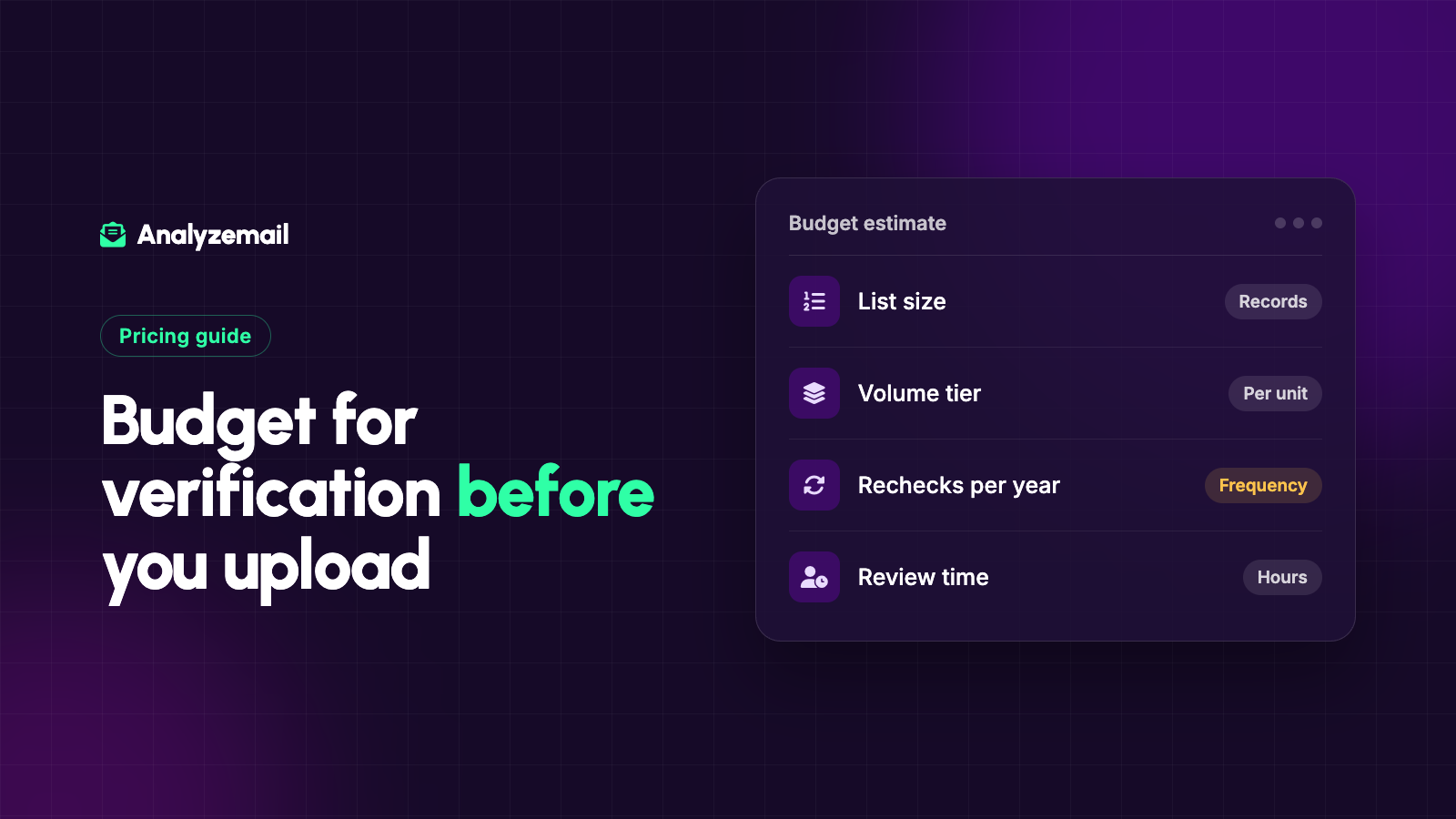
Email verification is often priced per address, but the amount you spend depends on more than the size of the file sitting on your desktop.
You may need to remove duplicates, exclude contacts who should not be checked for the planned campaign, review uncertain results, and account for future checks. Volume tiers can also change the price of the purchase.
The useful budgeting question is: what will it cost to turn this candidate list into a documented sending decision?
This guide explains how to calculate that amount, using AnalyzeMail's published pricing as a concrete example. Prices below were checked on September 26, 2026; consult the current pricing page before purchasing.
Start with the number of addresses that need checking
Your total CRM count and your verification requirement are not necessarily the same number.
A CRM may contain customers, unsubscribed contacts, duplicate records, former employees, and historical information that should remain stored but does not belong in the next campaign.
First identify the candidate audience. Preserve the master data, apply the relevant exclusions, and prepare the address file according to the tool's requirements.
This is not an instruction to delete business history to save money. It is a way to avoid paying for checks that cannot change the decision you are trying to make.
For a detailed preparation workflow, follow the email list cleaning guide.
Understand the unit being sold
AnalyzeMail describes one credit as one email-address check. Its pricing uses volume tiers based on the number of credits purchased.
The published page states that every credit in a purchase receives the rate for that purchase size. That is different from marginal pricing, where different portions of the order could be charged at different rates.
When comparing services, confirm how each one defines its billing unit. Also ask about the treatment of retries, duplicates, uncertain outcomes, and interrupted jobs if those details affect your budget.
Do not infer credit behavior from a result count. A file can contain duplicates or overlapping findings, so the number of rows, unique addresses, and billed units may need separate reconciliation.
AnalyzeMail pricing examples
The following examples use the published volume rates and simple multiplication. They are purchase examples, not promised savings or estimates of how many addresses will pass validation.
| Credits purchased | Price per credit | Purchase total |
|---|---|---|
| 1,000 | $0.010 | $10 |
| 5,000 | $0.010 | $50 |
| 10,000 | $0.008 | $80 |
| 25,000 | $0.007 | $175 |
| 50,000 | $0.006 | $300 |
| 100,000 | $0.005 | $500 |
| 250,000 | $0.004 | $1,000 |
| 500,000 | $0.003 | $1,500 |
| 1,000,000 | $0.002 | $2,000 |
| 2,000,000 | $0.001 | $2,000 |
The equal totals at one million and two million credits follow the listed all-unit tier rates. If your intended purchase is near a boundary, use the live calculator to confirm the current total and applicable terms.
Watch the tier boundaries
An all-unit price structure can create a discontinuity when an order enters a new tier.
For example, at the published rates, 24,999 credits at $0.008 total $199.992 before currency rounding. A 25,000-credit purchase at $0.007 totals $175.
This illustrates why multiplying your audience size by an approximate rate can produce a misleading budget. Check the exact tier and the actual purchase total.
It does not mean you should always buy more. Confirm whether you can use the credits under the applicable terms, whether your volume estimate is reliable, and whether a recurring commitment is appropriate.
If credit expiration or rollover matters to the decision and is not clear in the published information, ask before purchasing.
Separate one-time and recurring needs
A one-time project might involve cleaning an old export before a platform migration. A recurring program might need address checks as new subscribers arrive or before periodic campaigns.
Estimate those patterns separately. A large historical cleanup should not automatically determine your ongoing subscription size.
AnalyzeMail's pricing page lists pay-as-you-go, monthly, and annual options using the published volume rates. Review each option's purchase or allocation limits and timing before choosing.
For a seasonal business, model when you need the capacity, not merely the annual average. Credits available after the campaign deadline do not solve the immediate operating requirement.
Add review and implementation time
The direct purchase may be the smallest part of a complicated cleanup.
A team member may need to recover source information, resolve conflicting preferences, review catch-all contacts, and test the return update. Those tasks do not disappear because the per-address price is low.
Use a simple planning formula:
Project cost = verification purchase + preparation time + review time + implementation time
Convert the time components using an internal hourly planning rate if that helps compare options. Label it as an estimate rather than treating it as a cash payment the business will necessarily incur.
For example, a hypothetical 25,000-credit purchase costs $175 at the listed tier. If the team expects three hours of work valued internally at $50 per hour, the planning total is $325. That figure is illustrative and does not include every possible expense.
Budget for uncertainty without buying certainty
Some results require judgment. A catch-all finding, for example, may remain uncertain after a repeat check because the domain still does not confirm individual recipients.
Set a review policy before allocating money to repeated verification. Decide which records justify another attempt, which need confirmation through an existing relationship, and which should remain out of the campaign.
For more on this distinction, read the catch-all email guide.
The budgeting goal is to obtain useful additional evidence. Repeating a check indefinitely because you dislike the result can increase costs without changing the decision.
Evaluate potential value with your own numbers
Avoid generic promises that every dollar spent on verification creates a fixed return. The outcome depends on the starting data, sending platform, audience, and campaign.
Instead, estimate the specific costs or inefficiencies the project may address:
- Staff time spent investigating avoidable address failures.
- Sending charges that actually vary with campaign volume.
- Contact-plan costs that change when the relevant billable count changes.
- Time spent repeating imports because results were not preserved.
Be careful with billing assumptions. Removing records does not necessarily move an account into a lower pricing tier, and some contact statuses may already be excluded from billing.
Also avoid treating each excluded address as a recovered sale. A technically unusable contact was not a guaranteed customer before the check.
Compare services on the full workflow
Two services with similar per-address rates can produce different operating costs if one requires more manual interpretation or file handling.
Compare result clarity, uncertainty handling, integration direction, data practices, and support alongside price. The service-selection guide includes a scorecard you can adapt.
Keep the comparison focused on your use case. A sophisticated integration may add little value to a one-time small export, while a manual process may become expensive for recurring large lists.
Build a budget you can explain
Start with the candidate audience, confirm the current volume tier, and estimate the work required to apply the findings. Then record your assumptions so the next cleanup becomes easier to budget.
Review AnalyzeMail's current pricing for your list size, and create an account when you are ready to check the addresses that actually need review.